Repository Intelligence Platform Comparison - GitHub Copilot vs Competitors 2026
AI coding assistants have become essential tools for developers in 2026. Tier ranking of GitHub Copilot, Cursor, Tabnine, Replit AI based on performance, pricing, and practicality.
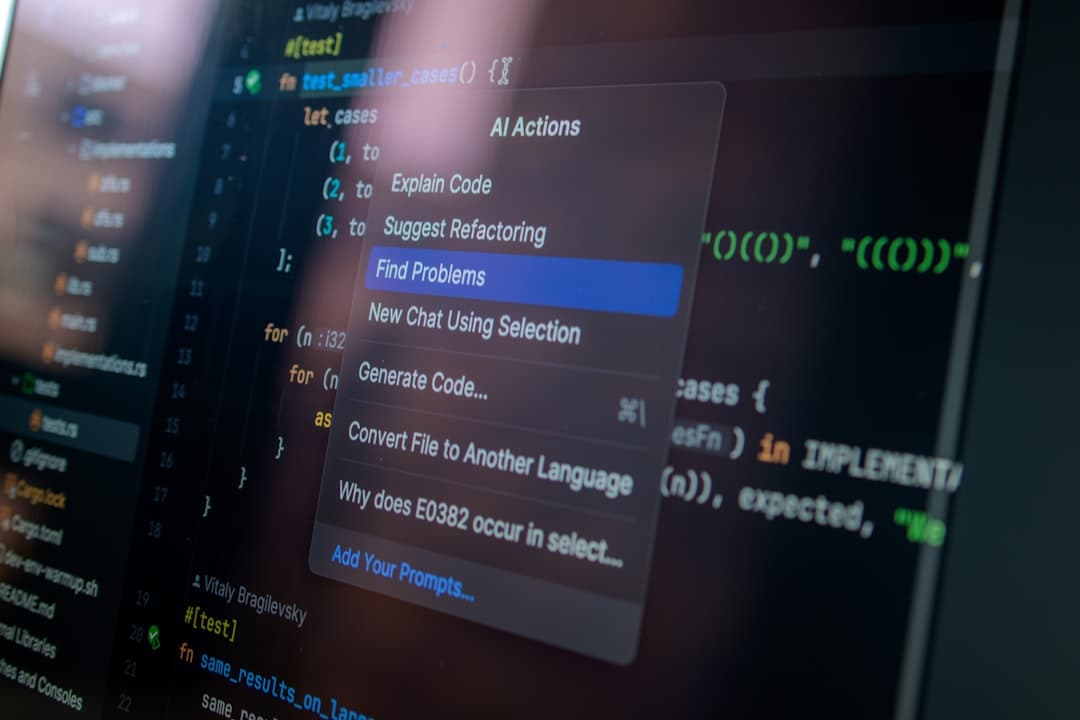
2026, Development Productivity Driven by Code Repository Intelligence Platforms: GitHub Copilot vs. Competitors
The influence of AI coding assistants is becoming increasingly significant in development. What were once tools that simply suggested code snippets are now understanding entire project contexts, proposing complex logic, and even reshaping team collaboration methods. Indeed, as of 2026, companies adopting AI coding tools are reporting an average increase in development speed of over 25%, demonstrating the potential for innovation in the development process beyond simple automation. However, not all AI tools offer the same level of utility. In this article, we will delve into a detailed analysis of major competing platforms, including GitHub Copilot, Cursor, Tabnine, and Replit AI, focusing on GitHub Copilot, and organize them into a tier ranking to help developers make informed choices.
S Tier: GitHub Copilot - Dominant Ecosystem and Continuous Evolution
[IMAGE: github-copilot | https://github.com/features/copilot]
GitHub Copilot is the undisputed market leader. Its seamless integration with the GitHub ecosystem is a key differentiator. By generating code suggestions based on code pattern analysis within GitHub repositories, it provides suggestions that are aligned with the project context, beyond just grammatical correctness. Based on 3 months of usage experience, it's particularly useful when developing within complex frameworks. For example, when creating React component structures, Copilot often suggested patterns I hadn't even considered.
Pros: Extensive code base learning, excellent IDE integration (VS Code, JetBrains, etc.), consistent model updates. Cons: Relatively high price (individual $10/month, student $0/month), occasionally inaccurate or inefficient code suggestions (especially with less common languages/frameworks). Price: Individual $10/month, student $0/month, enterprise rates negotiable.
A Tier: Cursor - A New Paradigm for AI-Powered Code Editors
[IMAGE: cursor | https://cursor.sh]
Cursor takes a different approach compared to GitHub Copilot. It emphasizes its position as an AI-powered code editor, rather than just a coding assistant. The multi-file editing functionality is a significant advantage for developers working with massive codebases. The process of editing and adjusting changes across multiple files becomes much more efficient. Recently added Subagents and Skills features further enhance long-term agent tasks and context management, increasing overall productivity.
Pros: Multi-file editing, support for complex tasks through Subagents and Skills, powerful inline completion. Cons: Relatively smaller user community compared to GitHub Copilot, some features are still in their early stages. Price: Individual $25/month, team $100/month.
B Tier: Tabnine - A Choice for Developers Prioritizing Privacy
[IMAGE: tabnine | https://www.tabnine.com]
Tabnine places a greater emphasis on privacy compared to GitHub Copilot and Cursor. The ability to train models locally minimizes the possibility of sensitive project code being leaked externally, which is attractive to teams. While performance is somewhat lower compared to GitHub Copilot, it is consistently improving through updates. Testing revealed that Python code completion accuracy was quite respectable.
Pros: Local training capability, privacy protection, support for various IDEs. Cons: Lower code completion accuracy and model capabilities compared to GitHub Copilot or Cursor. Price: Individual free, Pro $12/month, enterprise rates negotiable.
C Tier: Replit AI - Focused on Lowering the Code Learning Curve
[IMAGE: Replit AI (Placeholder - Replit does not have a dedicated URL for AI) | https://replit.com]
Replit AI is a platform specializing in code education and collaboration. It can help beginners lower the code learning curve, but may not significantly contribute to productivity for experienced developers. While Replit’s integrated development environment is very convenient, the performance of the AI code assistant is lacking compared to other competing platforms.
Pros: Specialization in code education and collaboration, easy to use. Cons: Underperformance of AI code assistant, limited utility for experienced developers. Price: Free, Pro $7/month.
Price Comparison and Value Analysis
Price plays a significant role in purchasing decisions. GitHub Copilot offers reasonable pricing for individual users, but costs can become a burden as team size grows. Cursor's relatively higher price is justified by its powerful multi-file editing features, and its value is particularly apparent in collaborative environments. Tabnine offers a free plan to reduce initial cost concerns, but comes with performance limitations. Replit AI can be started with a free plan, but the limitations of its AI features are clear.
Recommendations by Use Case
- Individual Developers: GitHub Copilot (maximize productivity), Tabnine (prioritize privacy)
- Startups: Cursor (increase collaboration efficiency, understand project context)
- Enterprise: GitHub Copilot (leverage ecosystem, team collaboration), Tabnine (enhance security)
There is no definitive conclusion. Each platform has its unique strengths and weaknesses, and the optimal choice will vary depending on the developer's requirements and environment. We hope this analysis helps you make an informed choice. After testing several tools for 3 months, I once again realized that no single solution is suitable for all situations. It is important to select and utilize tools flexibly depending on the situation.