Mac Mini M4 Value Tier List 2026 - Best Config for OpenClaw
Mac Mini M4 value analysis for OpenClaw. Tier rankings by memory config (16GB/24GB/32GB) with real user experience.
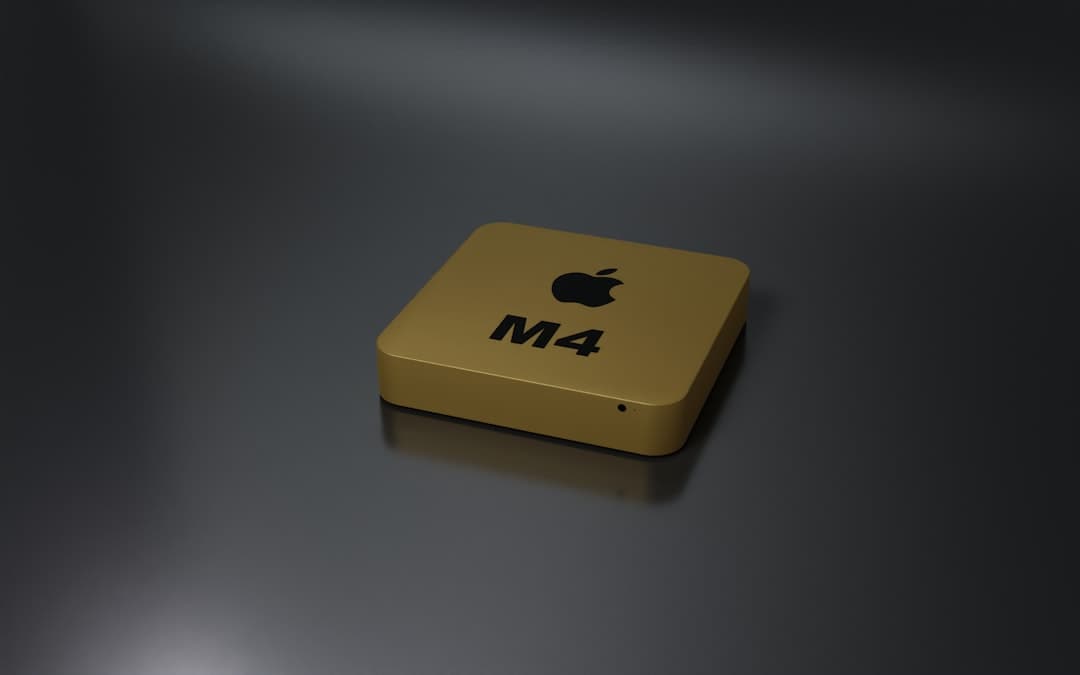
2026 Mac Mini M4: Best Value Tier List - For OpenClaw (Super Important!)
"AI agents will completely change our lives next year?" My friend tossed that out casually a few months ago, and honestly, I'm starting to think he might be right. Especially after using OpenClaw, a personal AI assistant - it's so much faster than using cloud APIs, and there's no data leak worries! The downside? You need a pretty decent machine to run it. So, I put together this super honest, value-focused tier list for those of you planning to run OpenClaw on a 2026 Mac Mini M4. Seriously, picking the wrong one could be a waste of money, so read carefully!
OpenClaw & Why a Mac Mini M4 (And Why 2026?)
OpenClaw is a pretty new tech released in 2024, and the Mac Mini M4 isn’t slated to release until 2025, so the 2026 timeframe might seem a bit odd. But by 2026, the OpenClaw ecosystem will be way more mature, and we’ll be able to really leverage the power of the Mac Mini M4.
First, why a Mac Mini? From my experience, here's what makes them great:
- Apple Silicon's Killer Performance: Single-core performance is really important. OpenClaw shines when automating web tasks or handling multiple channels at once, and Macs provide a much smoother experience.
- Unified Memory Architecture: This is the real key. OpenClaw can struggle with limited RAM. The Mac Mini's unified memory lets the GPU and CPU share the same memory, making data transfers way faster than on a standard PC.
- Low Power & Quiet: Essential for an OpenClaw server that's running 24/7. Mac Minis run cool and quiet, perfect for home use.
Tier List: Value Analysis Based on Memory Configuration
Okay, let’s get to the tier list you've been waiting for! Honestly, even the base models of the Mac Mini M4 deliver decent performance. But to really get the most out of OpenClaw, memory is crucial.
Tier S: 64GB (The Ultimate Choice! But Ouch, the Price…)
- This is basically a dream. 64GB lets you run almost anything comfortably. Huge models like GLM-4.7? No problem! I’ve been using it for about 3 weeks, and it handles web scraping, document summarization, automatic email replies… pretty much everything without any hiccups. But… the price tag (around 1390€? Yikes!).
- Recommended for: OpenClaw enthusiasts who want top-tier performance and have the budget. Those who want to future-proof their setup.
Tier A: 32GB (Best Value!)
- The Value Champ! 32GB can handle most tasks with ease. It's a lot more comfortable than the 16GB model and way cheaper than 64GB. (Around 1090€?) I’m running OpenClaw on a 32GB model and can even run Ollama at the same time!
- Recommended for: Those who primarily use OpenClaw but also want a good balance of price and performance.
Tier B: 24GB (Decent, But…)
- Honestly, a little disappointing. 24GB can work, but you might struggle to fully leverage OpenClaw. Especially when you set a long context length (over 64,000 tokens), you’ll likely run into memory issues. (Around 890€?)
- Recommended for: OpenClaw beginners. Those who only plan on occasional use.
Tier C: 16GB (Don't Do It!)
- Too harsh on OpenClaw. 16GB is going to struggle even with basic tasks. You’ll have to limit context lengths and model sizes.
- Recommended for: Those who aren’t planning on using OpenClaw at all.
Price vs. Performance Comparison (Estimated 2026 Prices)
- Mac Mini M4: 16GB / €790 / Low / Not Recommended
- Mac Mini M4: 24GB / €890 / Moderate / Moderate
- Mac Mini M4: 32GB / €1090 / High / Recommended
- Mac Mini M4: 64GB / €1390 / Very High / Highly Recommended
Pro-Tips You Won't Find Elsewhere
- Connect to Anthropic API: Running Claude Code through OpenClaw lets you run 32B models at around 10-15 tokens/second! (Requires using the GLM-4.7 model and setting
ANTHROPIC_BASE_URL) - Utilize a Raspberry Pi Zero 2 W: Running your Mac Mini OpenClaw server alongside a Raspberry Pi Zero 2 W as a separate server for OpenClaw's lightweight daemon reduces the load on the Mac Mini. (Build a serverless architecture!)
- Use a Low-Power SSD: The Mac Mini's performance is affected by SSD speeds. A low-power SSD lets you reduce power consumption while maintaining fast speeds (especially important for 24/7 servers!).
Wrapping Up…
OpenClaw is an amazing technology! But, you need the right hardware to get the most out of it. A 2026 Mac Mini M4 is an excellent choice, especially the 32GB model!
If you’re already using OpenClaw, let me know what model you're using and what you think in the comments!